FOR WEDDING FILMMAKERS
Learn to Edit a Cinematic Wedding Teaser
That Helps You Book More Couples
Watch the final teaser you’ll learn to create — then I’ll show you the full editing process from raw footage to final export.
Your full film takes weeks. Your teaser sells you in 60 seconds.
They are the most powerful marketing asset you have.
From a filmmaker with 300+ weddings — booked two years out.


Inside The Teaser Editing System
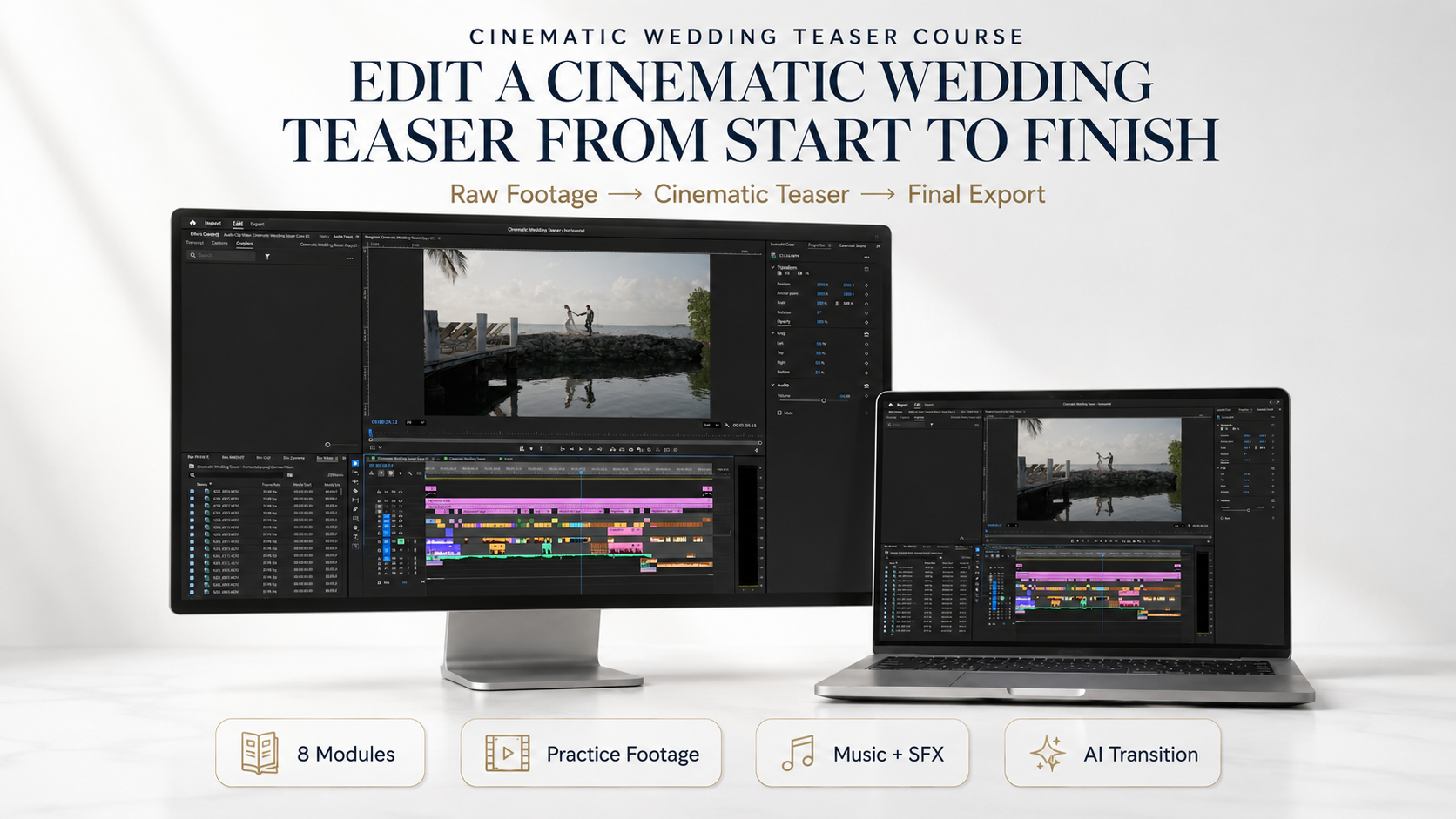
Everything you need to build your teaser from RAW footage to final export.
Prepare Your Project
Start clean with file sorting, project setup, and a clear editing workflow.
- Intro & Workflow Overview
- File Sorting & Project Prep
Select the Best Moments
Learn how to choose the strongest B-roll and emotional story moments.
- Selecting the Best B-Roll
- Picking the Best Story Moments
Build the Story
Create a teaser that feels like a story — not just random beautiful clips.
- Creating the Intro
- Building the Story Skeleton
- Finalizing the Storyline
Music & Rhythm
Choose the right music and make your edit hit with emotion and timing.
- Choosing the Song for the Intro
- Choosing the Song for the Main Part
- Mixing the Intro with the Main Part
- Adapting the Story to Music
AI Transition + Polish
Add a cinematic AI transition and finish the teaser with color and sound.
- Creating an AI Transition
- Color Correction & Grading
- Sound Polish
Final Export
Export your final teaser and create the vertical version for Instagram.
- Final Polish + Export
- Creating the Vertical Version
And to make the workflow easier, you’ll also get:
3 Bonuses To Speed Up Your Edit
Tools and inspiration to help you edit faster, choose better music, and create a more polished final teaser.
Convert
Cinematic LUTs
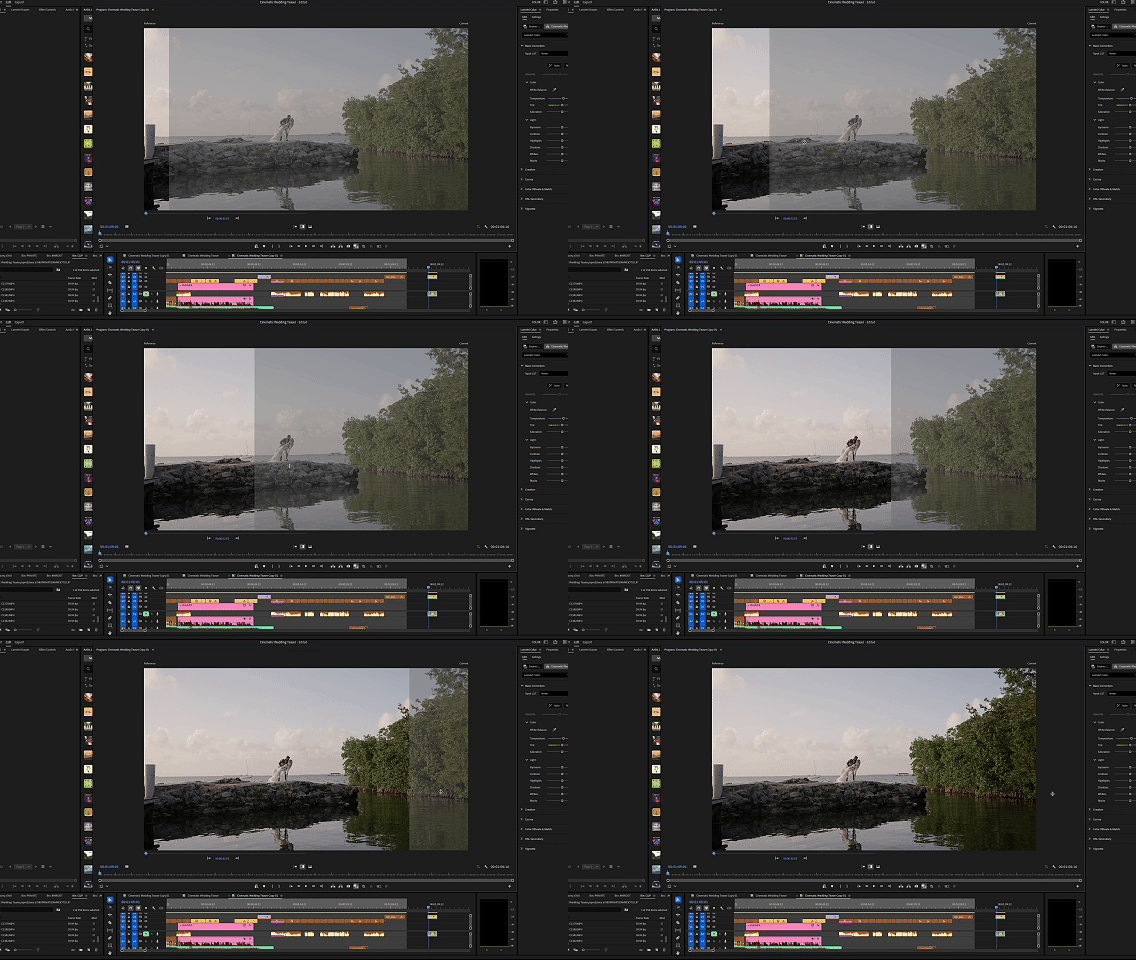
- Save time on color prep
- Get a polished cinematic starting point
- Keep your teaser look more consistent
Music Pack
+ SFX
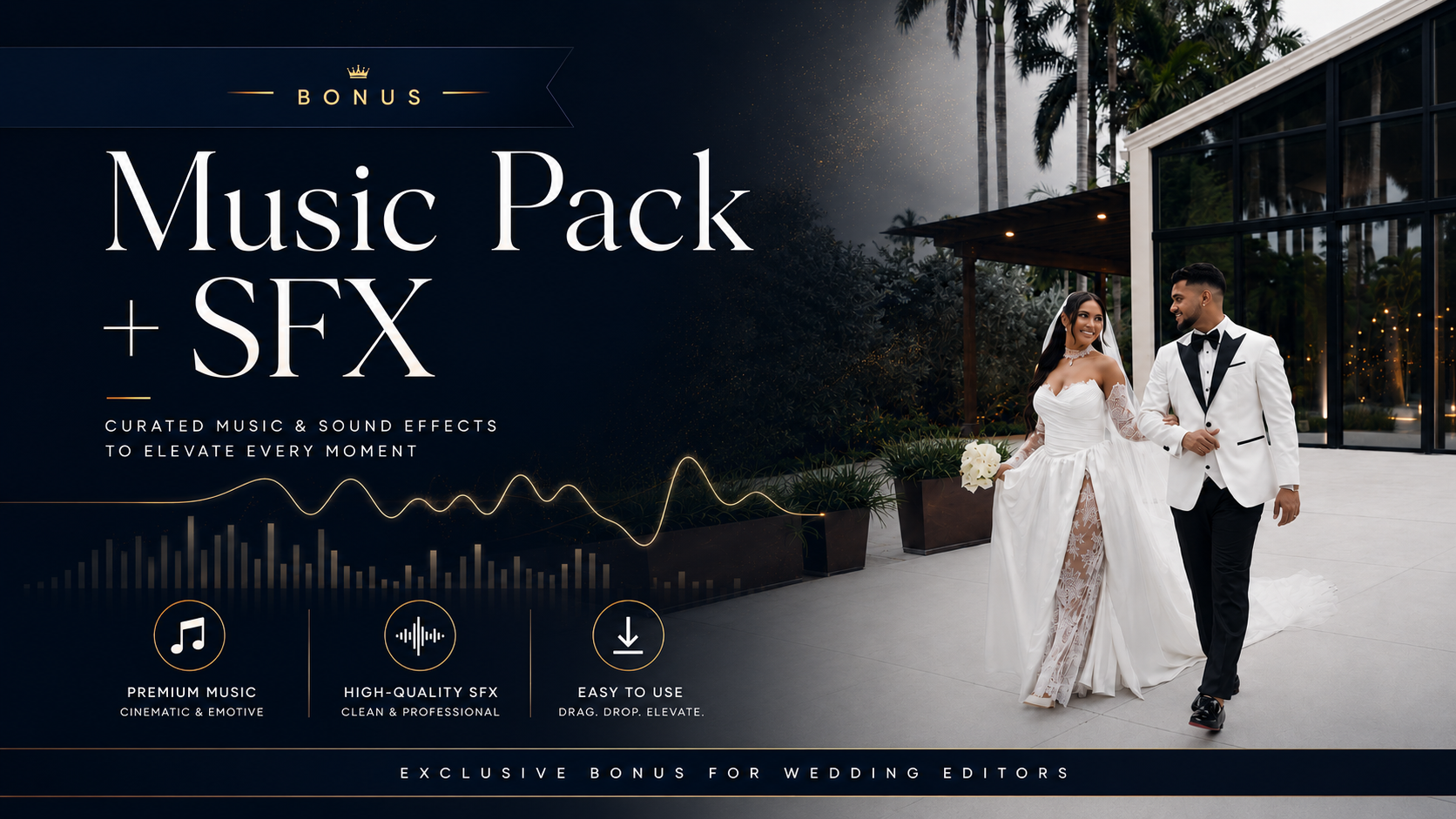
- Add stronger rhythm and emotion
- Use cleaner cinematic sound design
- Elevate the final viewer experience
66 Curated
Wedding Films
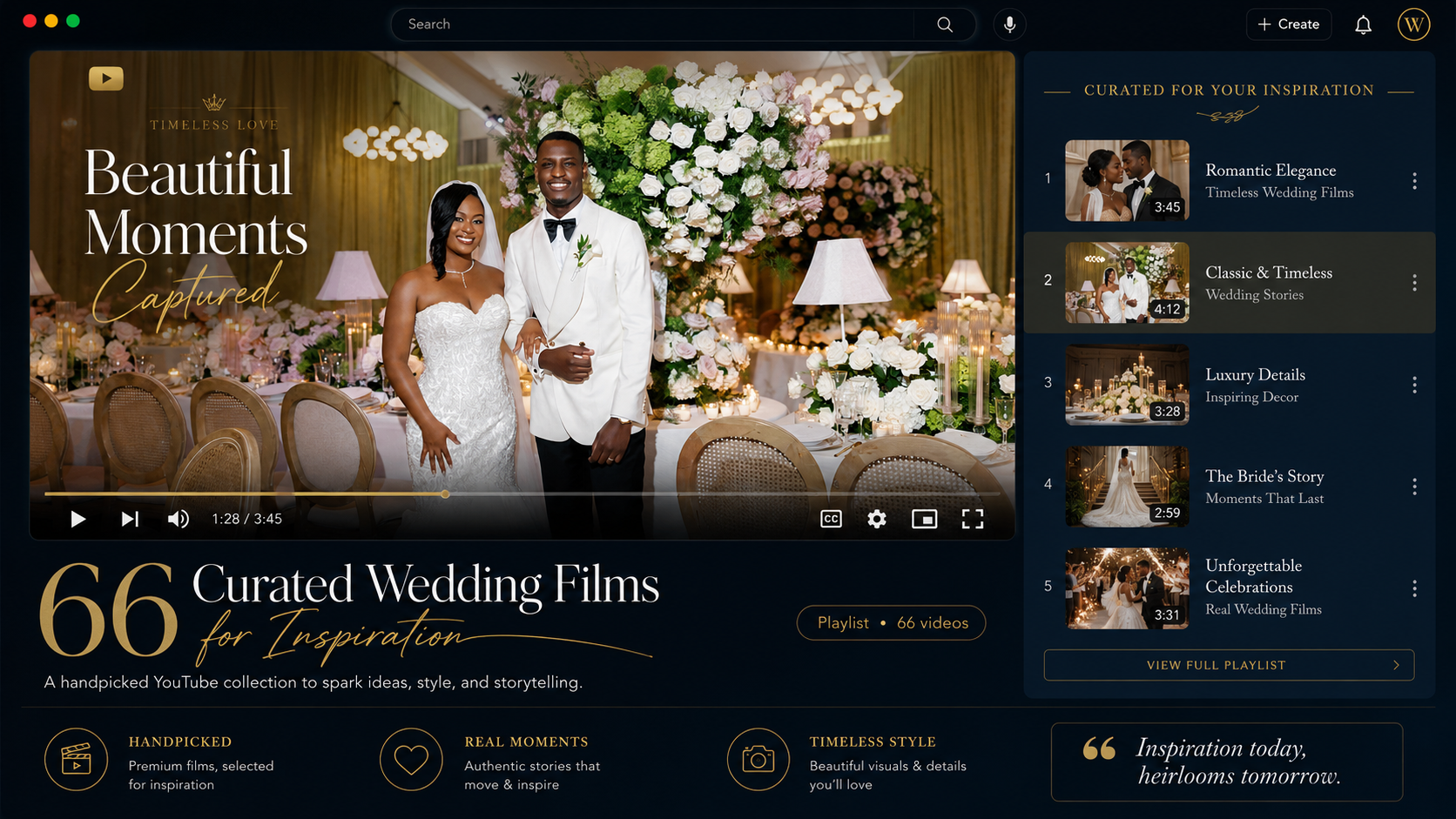
- Find fresh inspiration faster
- Study real teaser structure and pacing
- Train your cinematic editing eye
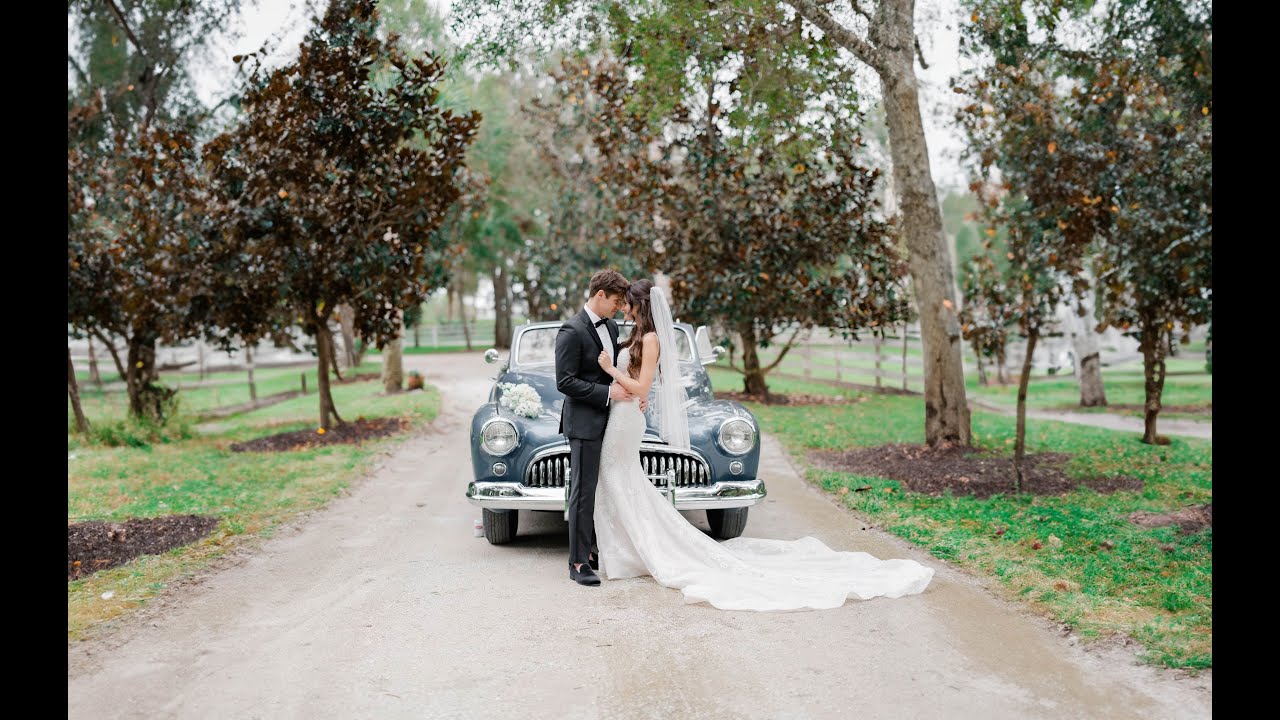
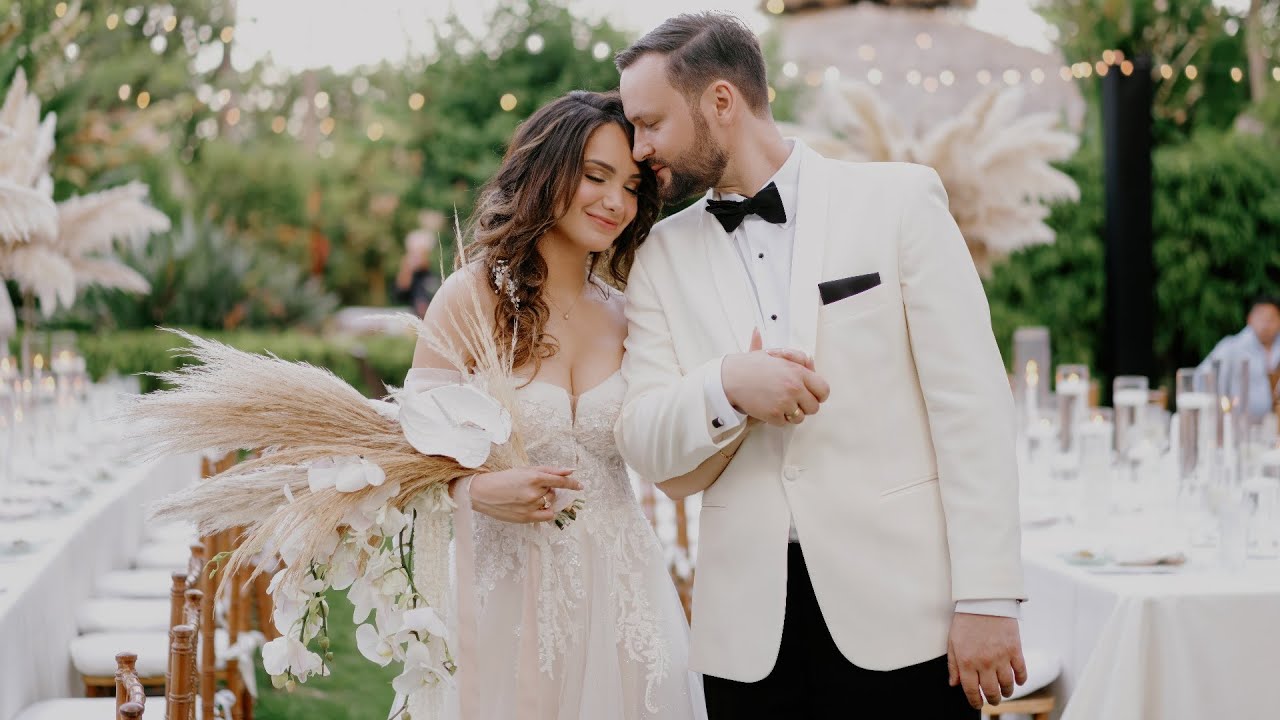
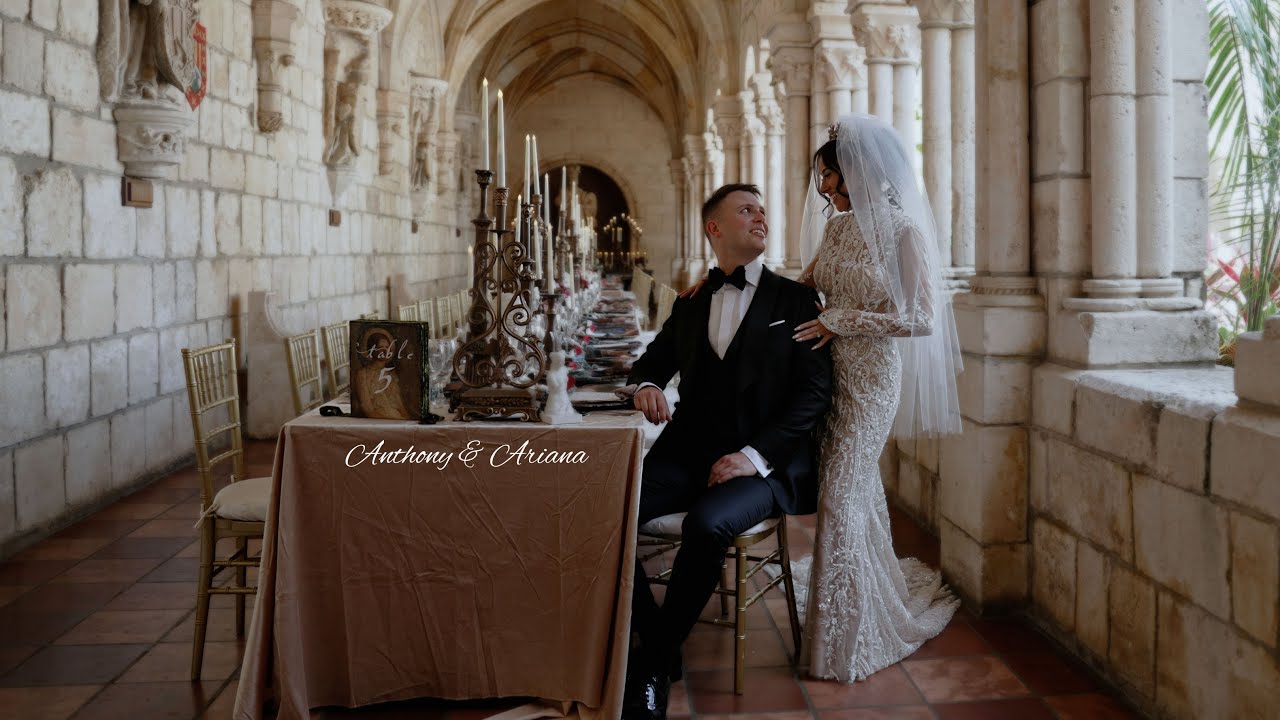
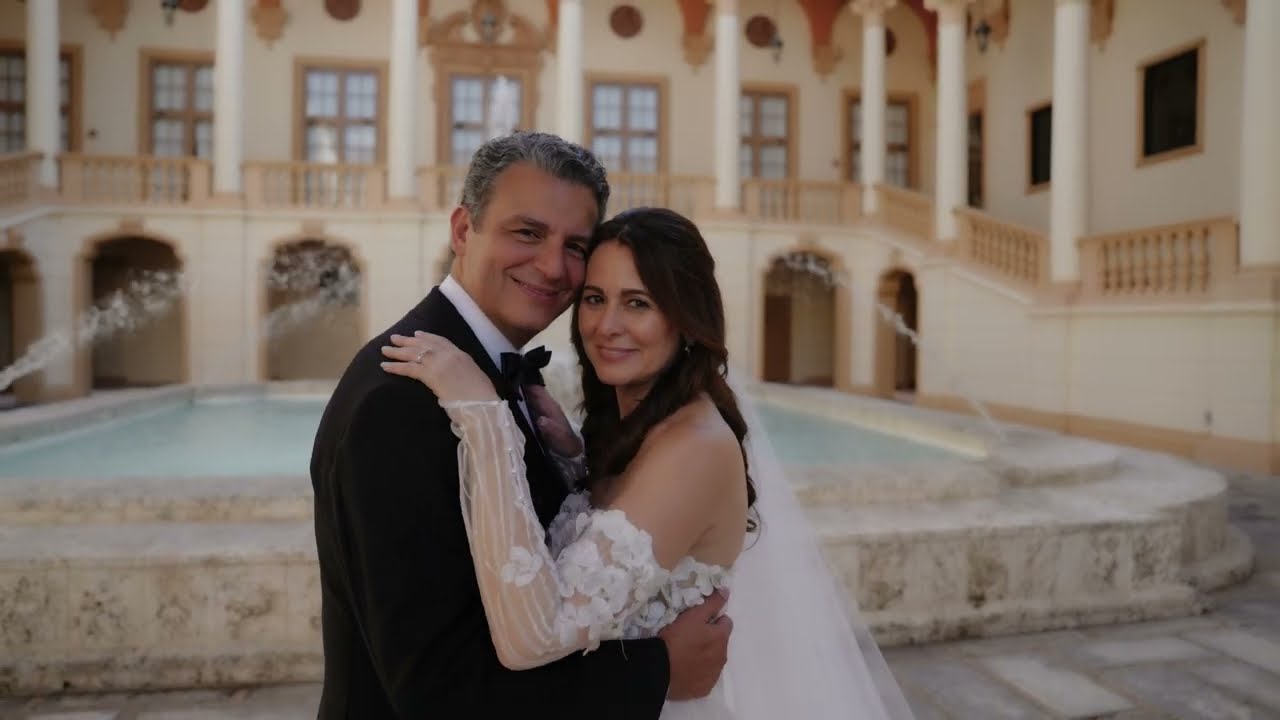
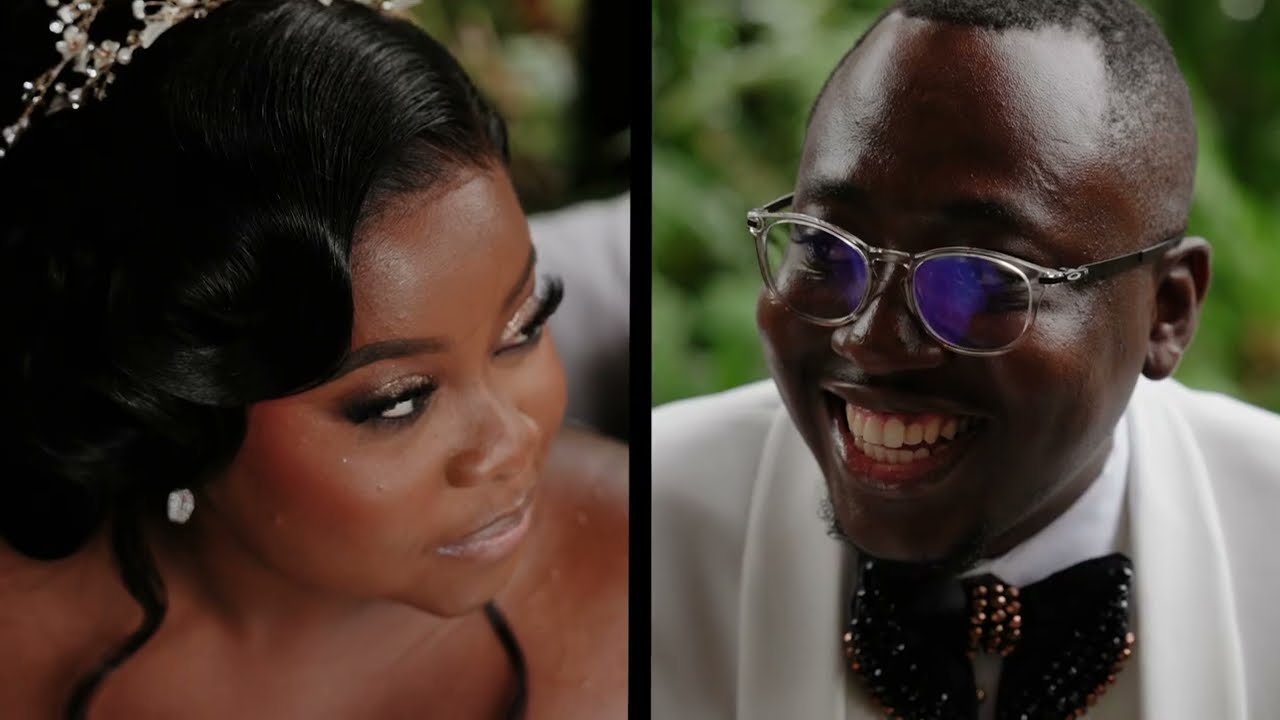
Real Teasers Created With This Workflow
These examples show the style, rhythm, story, and cinematic feeling you’ll learn to build inside the course.
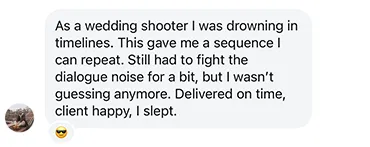
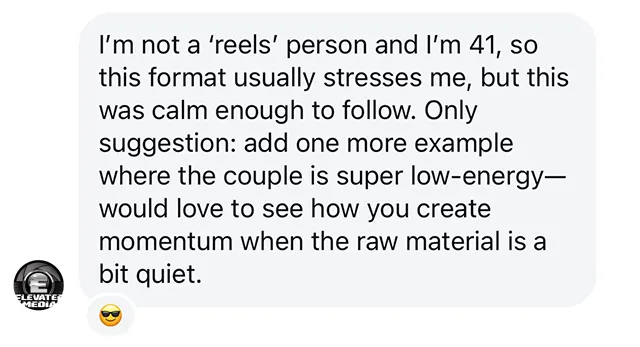
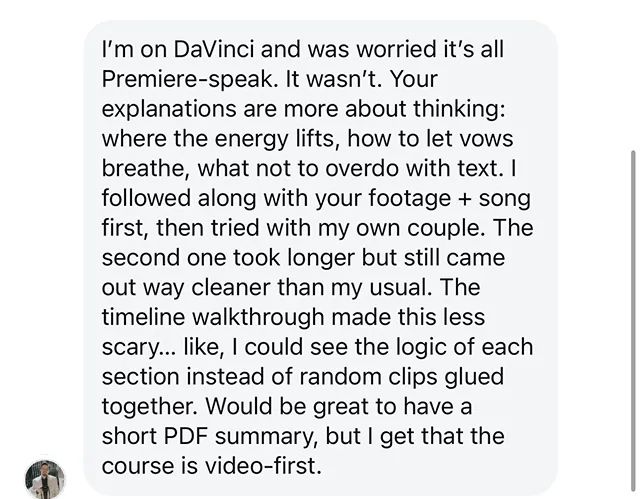
What Filmmakers Say After Learning This Workflow
Start Building Cinematic Wedding Teasers Today
Get the full course, practice footage, AI transition workflow,
and 3 editing bonuses to help you turn raw wedding footage into a polished Instagram teaser.
Included in the Teaser System:
Full Cinematic Wedding Teaser Course - $197 value
Practice Footage - $49 value
AI Transition Workflow - $47 value
Convert Cinematic LUTs Bonus - $67 value
Music Pack + SFX Bonus — $67 value
66 Curated Wedding Films for Inspiration — $29 value
Lifetime Access — Included
Total value: $456
Today Just $97
Lock in the $97 launch price before the timer ends.
After that, the regular price will be $197.
Learn From a Wedding Filmmaker Who Edits Real Premium Weddings
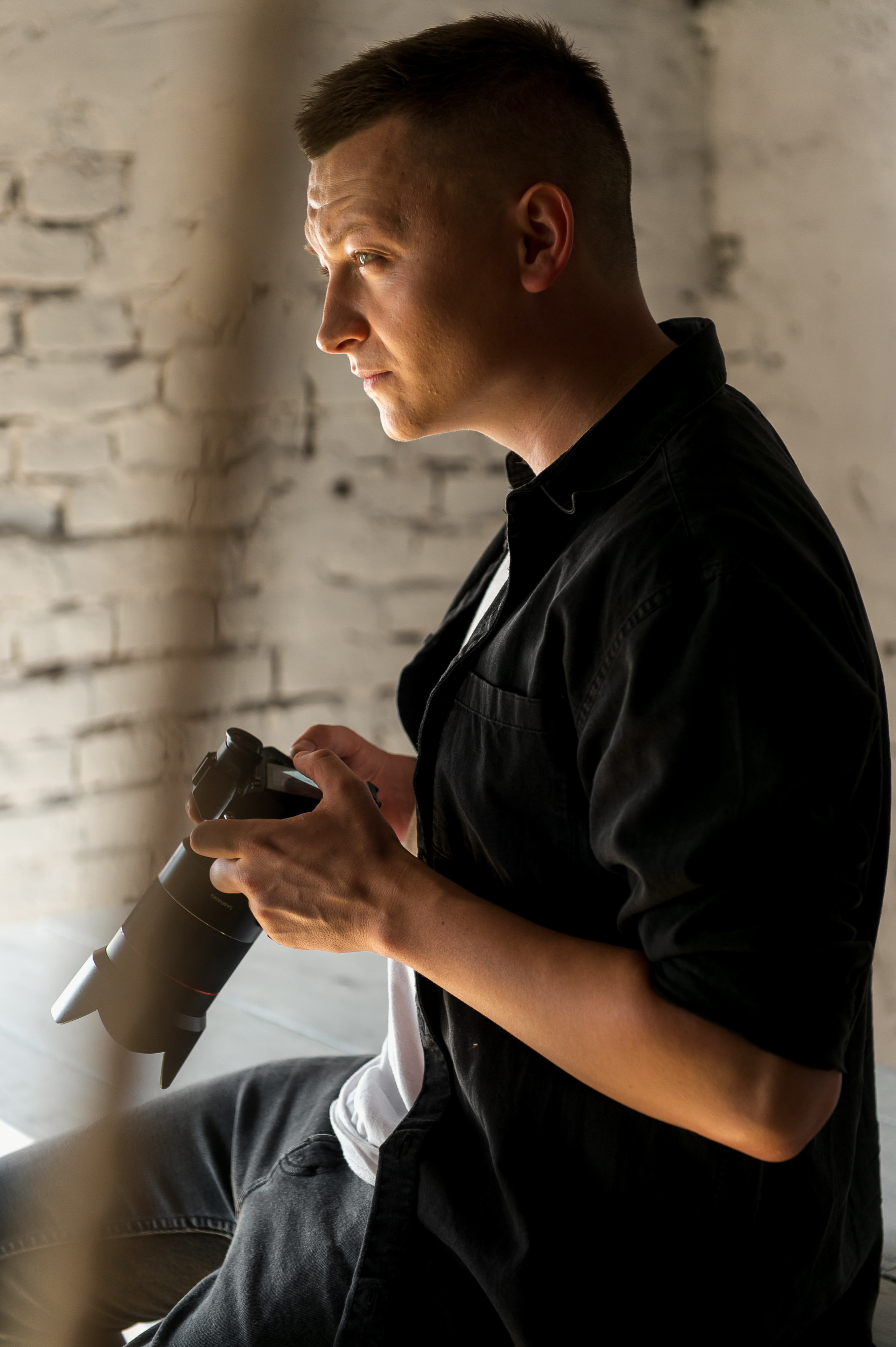
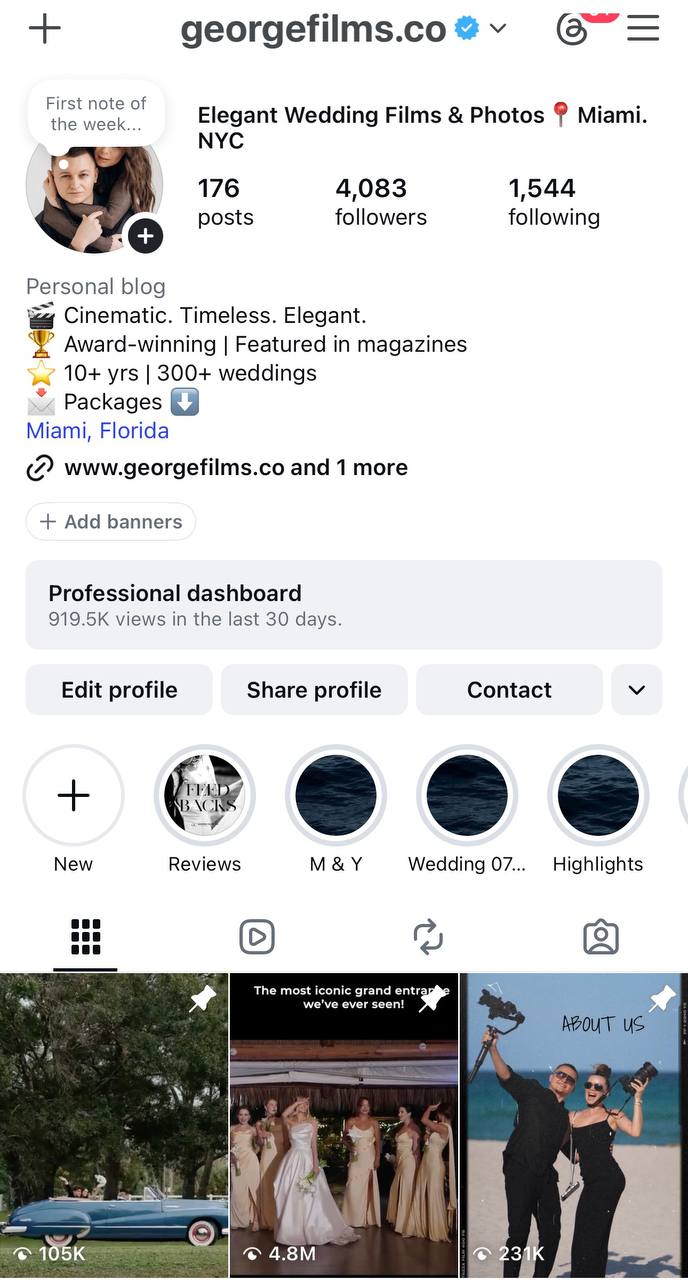
I’m George, founder of George Films Co. and The Star Bears Production.
This course is built from real wedding editing experience — not theory. After years of filming and editing weddings, I created this workflow to help filmmakers turn raw footage into cinematic teasers with better structure, emotion, music, color, and polish.
My team edits 100+ wedding films every month for videographers, so the process you’ll learn is based on real timelines, real footage, and real delivery standards.
Weddings
Films / Month
Wedding Workflow
FAQ
Yes. The course is built step by step, so you can follow the process even if you’ve never created a cinematic teaser before.
Yes. Practice footage is included, but you can also follow the workflow using your own wedding footage.
Yes. The workflow is focused on storytelling, structure, music, rhythm, color, and polish. Some software buttons may look different, but the editing logic can be applied in DaVinci Resolve, Final Cut, or Premiere Pro.
You get lifetime access, so you can come back to the lessons anytime and rewatch the workflow when you need it.
After purchase, you’ll receive access to the course and bonuses so you can start watching and editing right away.
The course is designed to make the process clear and repeatable. Start with the practice footage first, then apply the same steps to your own project. If you offer a refund policy, place the exact refund terms here.
You don’t need a monster computer, but smooth editing depends on your footage and software. I recommend using proxies if your computer struggles with large 4K files.
The Music Pack + SFX is meant to help with inspiration, editing flow, and sound design. For final client delivery, always make sure your music is properly licensed for your usage.
The download size depends on the practice footage and bonus files. A stable internet connection is recommended, especially when downloading the footage.
No. The course teaches a workflow and decision-making process, not a copy-paste template. You’ll learn how to build structure, emotion, and rhythm while still keeping your own style.
This can still help you refine your teaser structure, speed up your process, improve music choices, and make your final edit feel more polished and intentional.
Still thinking about it? Start with the workflow, follow the footage, and build your first cinematic teaser step by step.
Get Instant Access